
Find the right experience
Search, filter, compare on a map and save favourites so you book the right thing at the right time.
읽는 데 4분
영어로 표시됨
이 가이드는 아직 한국어로 번역되지 않아 아래 단계는 영어로 표시됩니다. 나머지 고객센터는 선택한 언어로 제공됩니다.
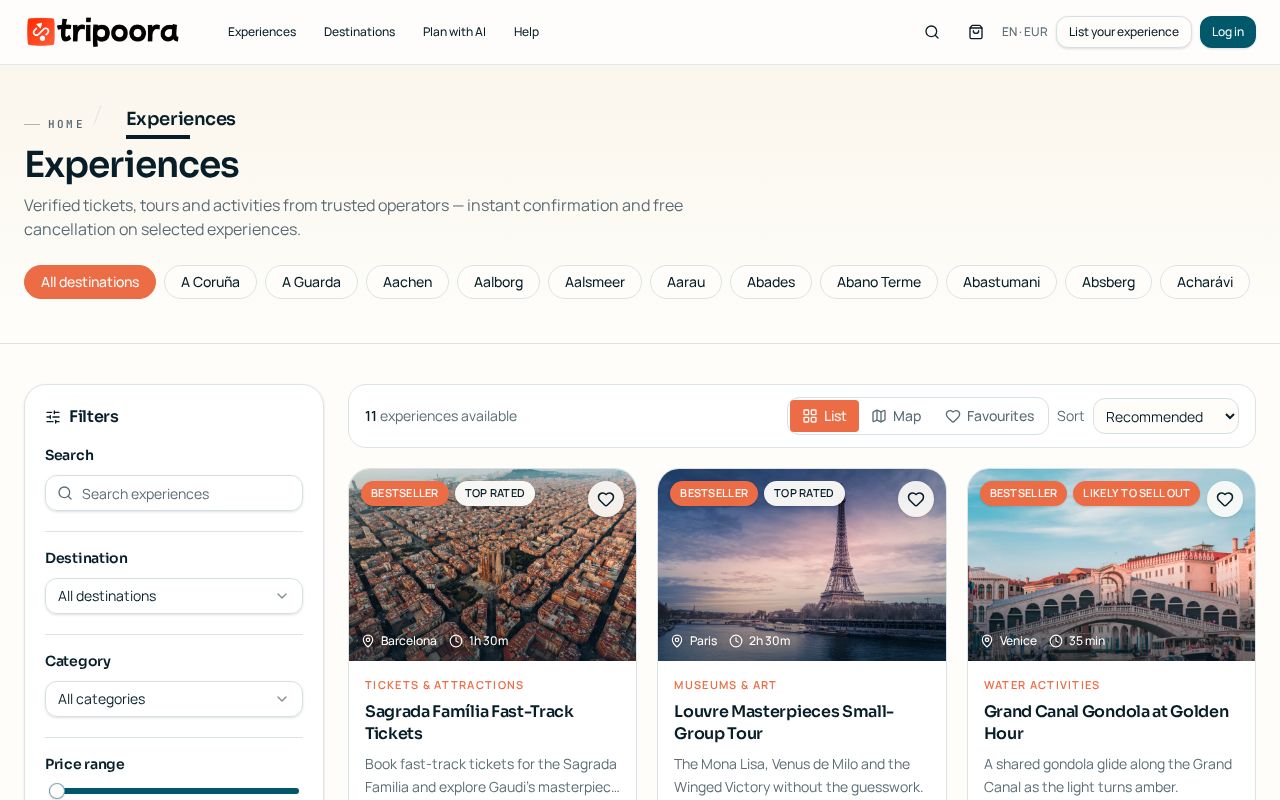
Tripoora search combines instant autocomplete, deep filters and a map view so you can narrow thousands of listings down to the few that fit your day.
단계별 안내
- 1
Start typing
The home and header search suggest destinations, attractions, categories and individual experiences as you type. Press Enter to see full results.
- 2
Filter by what matters
Narrow by date, price range, duration, category, language, rating and free-cancellation only. Filters update results instantly.
- 3
Switch to map view
Toggle the map to see clustered pins; hovering a pin highlights its card so you can group nearby activities on the same day.
tripoora.com/destinations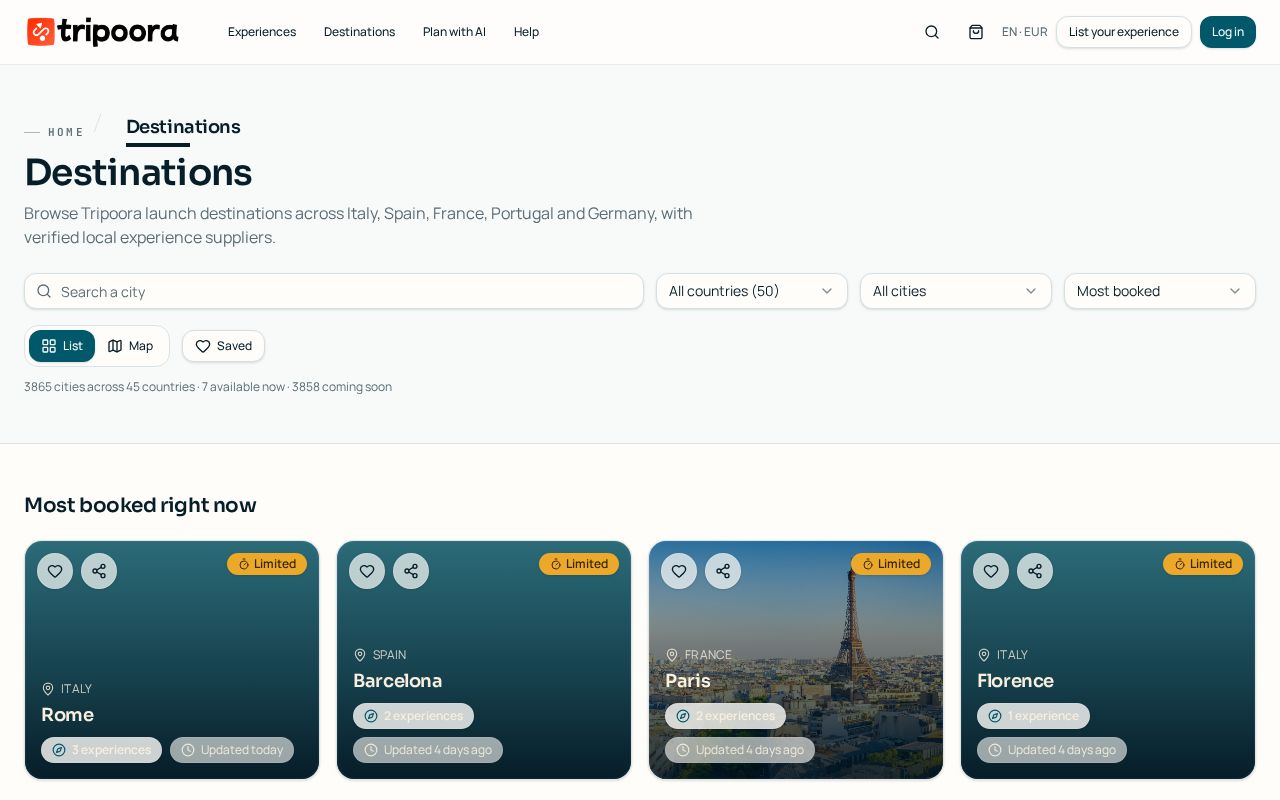
Destinations hub with live cities and 'coming soon' waitlists. - 4
Save favourites
Tap the heart on any card or destination. Favourites live in your account under Wishlist and saved destinations.
- 5
Save a filter set
When signed in you can save a filter combination and reuse it later from the same toolbar.
알아두면 좋은 점
- Sort by rating when time matters more than price — verified reviews only come from completed bookings.
- For cities marked 'coming soon' use Notify me; you'll get one confirmation email and one launch email.
관련 가이드
Book an experience step by step
From choosing an option and time slot to participant details, add-ons and confirmation.
Coming-soon cities and destination alerts
Get notified the moment a city goes live on Tripoora.
What badges mean on listings
How to read the trust, quality and urgency labels on Tripoora experience cards.