
Create an account and sign in
Email, mobile code and Google sign-in, plus password recovery and session settings.
3 min. lezen
Weergegeven in het Engels
Deze gids is nog niet vertaald naar het Nederlands, dus de stappen hieronder staan in het Engels. De rest van het helpcentrum is wel in jouw taal.
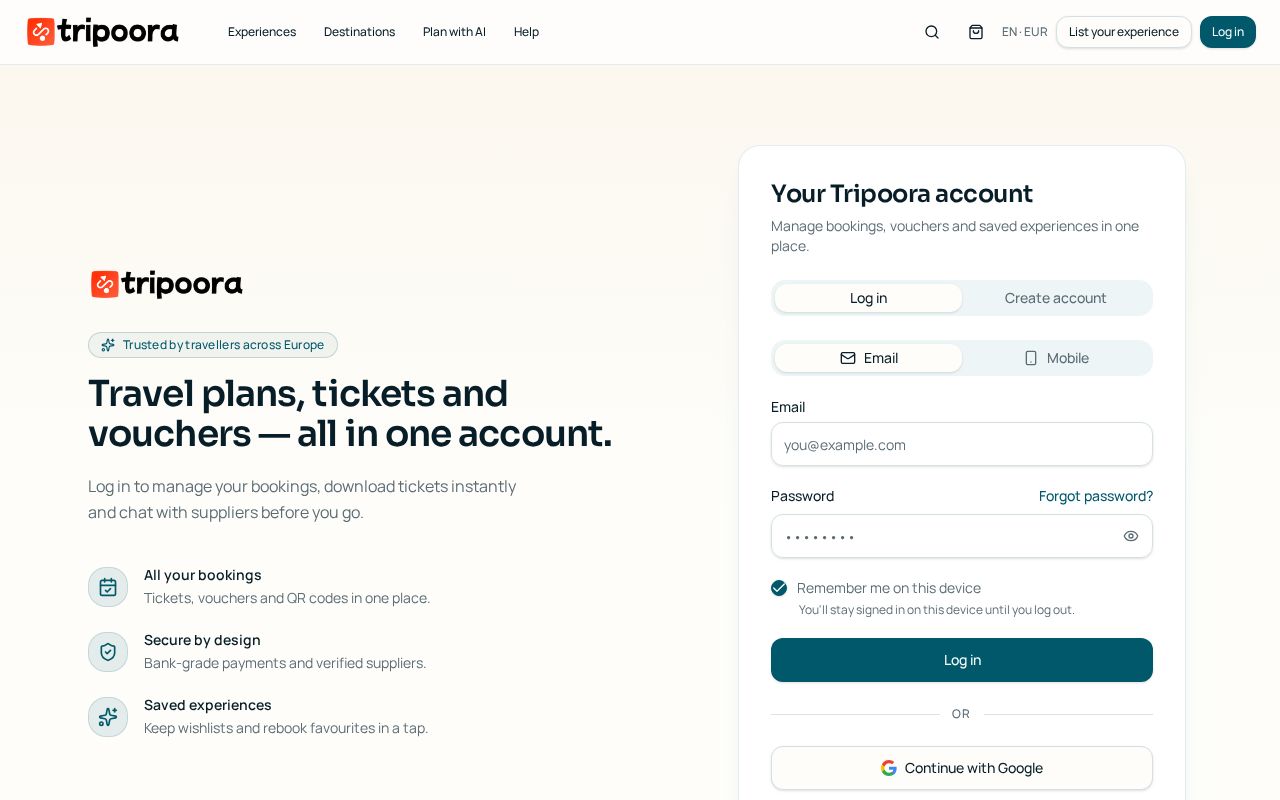
You can sign in three ways: email and password, a one-time code sent to your verified mobile, or Google.
Stap voor stap
- 1
Choose a method
On the log-in screen switch between Email and Mobile, or continue with Google.
- 2
Verify a mobile number
Enter your number in international format and type the 6-digit SMS code. The number is then reusable for passwordless sign-in.
- 3
Recover a password
Use Forgot password to receive a reset link by email; the link expires for security.
- 4
Stay signed in
Tick Remember me on this device to keep the session, or leave it off on shared computers.
- 5
Claim guest bookings
Signing up with the email or mobile used at checkout automatically attaches your previous guest bookings.
Veelgestelde vragen
I did not get the SMS code.
Wait for the resend timer, check the country code, and make sure the number can receive international SMS.
Can I change my email?
Yes, in Account → Profile. A confirmation link is sent to the new address.