
Find the right experience
Search, filter, compare on a map and save favourites so you book the right thing at the right time.
4 min. lezen
Weergegeven in het Engels
Deze gids is nog niet vertaald naar het Nederlands, dus de stappen hieronder staan in het Engels. De rest van het helpcentrum is wel in jouw taal.
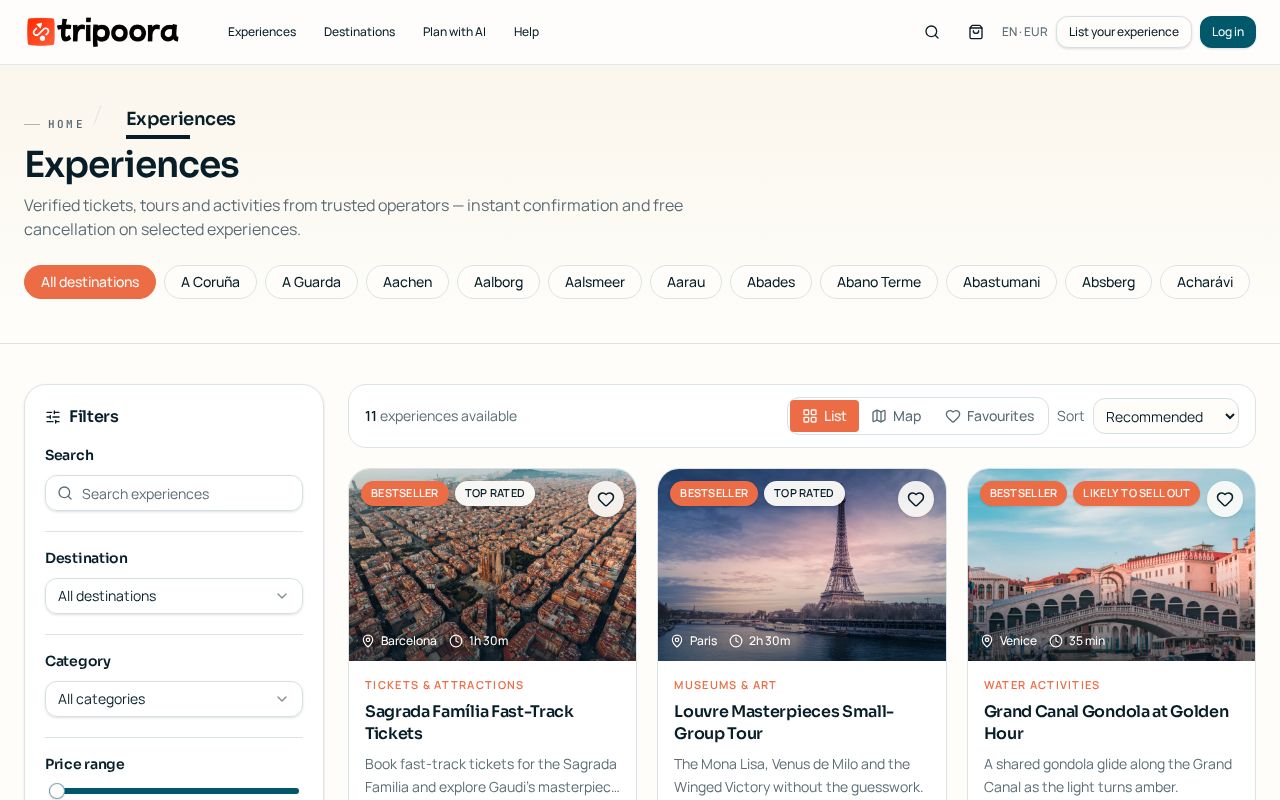
Tripoora search combines instant autocomplete, deep filters and a map view so you can narrow thousands of listings down to the few that fit your day.
Stap voor stap
- 1
Start typing
The home and header search suggest destinations, attractions, categories and individual experiences as you type. Press Enter to see full results.
- 2
Filter by what matters
Narrow by date, price range, duration, category, language, rating and free-cancellation only. Filters update results instantly.
- 3
Switch to map view
Toggle the map to see clustered pins; hovering a pin highlights its card so you can group nearby activities on the same day.
tripoora.com/destinations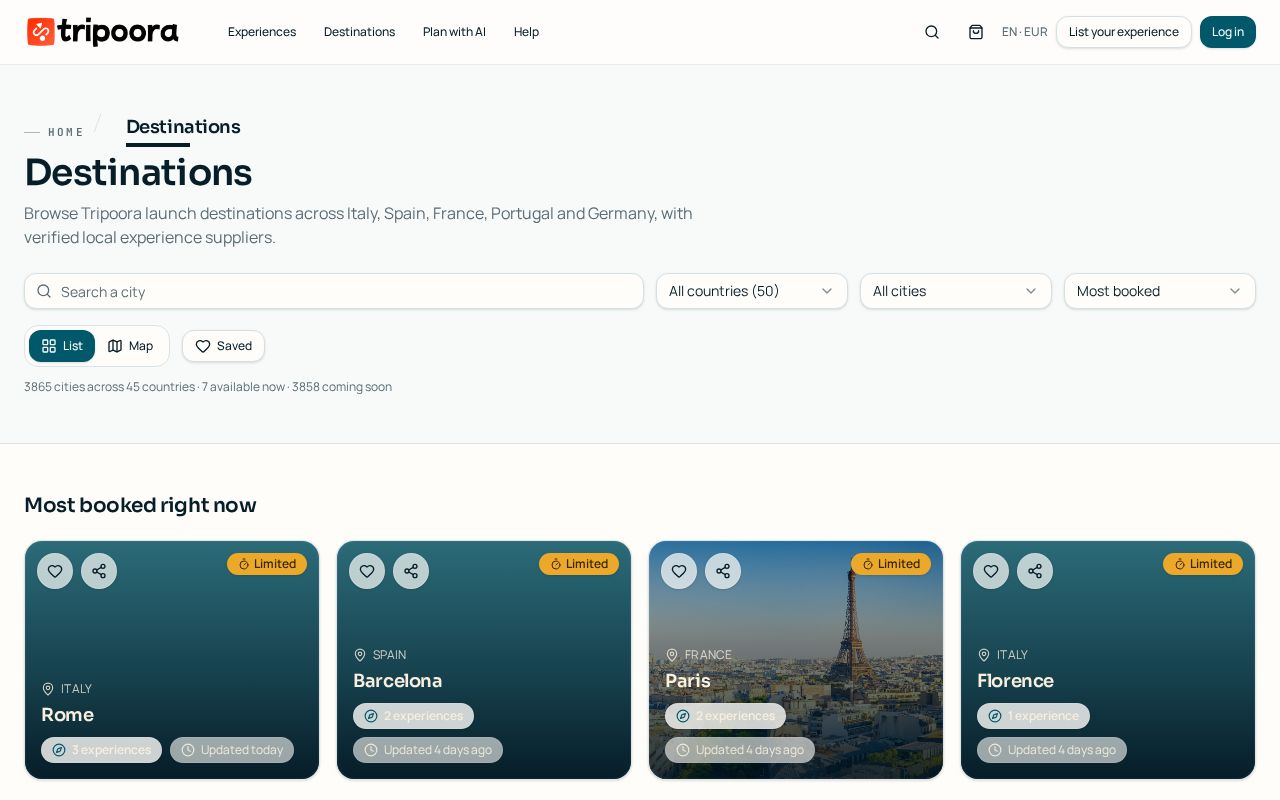
Destinations hub with live cities and 'coming soon' waitlists. - 4
Save favourites
Tap the heart on any card or destination. Favourites live in your account under Wishlist and saved destinations.
- 5
Save a filter set
When signed in you can save a filter combination and reuse it later from the same toolbar.
Goed om te weten
- Sort by rating when time matters more than price — verified reviews only come from completed bookings.
- For cities marked 'coming soon' use Notify me; you'll get one confirmation email and one launch email.
Gerelateerde gidsen
Book an experience step by step
From choosing an option and time slot to participant details, add-ons and confirmation.
Coming-soon cities and destination alerts
Get notified the moment a city goes live on Tripoora.
What badges mean on listings
How to read the trust, quality and urgency labels on Tripoora experience cards.