
Build a trip with AI Travel Plan Assist
Answer a short interview and get a timed, bookable itinerary with weather, flights and transfers.
阅读约 6 分钟
以英文显示
本指南尚未翻译为中文,因此下方步骤以英文显示。帮助中心的其他内容仍为您选择的语言。
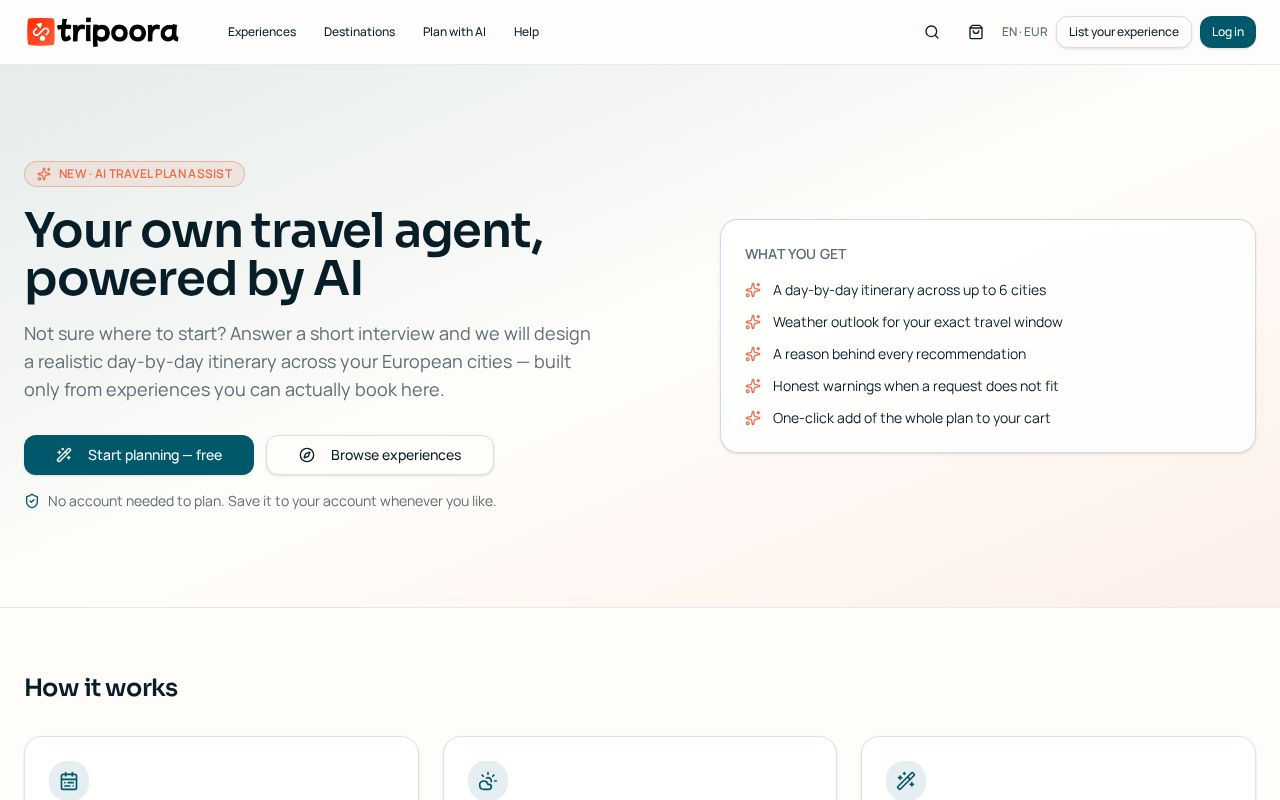
Travel Plan Assist builds a day-by-day itinerary from real Tripoora inventory. It respects opening hours, weather, travel time between stops and meal breaks.
分步操作
- 1
Start the interview
Open Plan with AI and answer a few questions: destination, dates (fixed or flexible), travellers, budget, pace and interests.
- 2
Let the engine build
The plan engine combines the catalogue, opening hours, live weather and travel distances into a timed itinerary with sensible gaps.
- 3
Add flights
If you're flying, add your legs and the plan shifts the first and last day around arrival and departure buffers.
- 4
Adjust anything
Reorder days, change a time, swap or remove an activity, or add another experience from the catalogue. The fit panel warns if a day becomes too tight.
- 5
Book the plan
Add the whole plan to your basket in one action. Anything unavailable is flagged before checkout so you can substitute it.
- 6
Share or export
Share a read-only link with travel companions or export a formatted PDF with maps, times and booking references.
温馨提示
- Flexible dates let the engine pick the best-weather window inside your range.
- Every plan revision is stored, so you can compare or roll back from the history panel.
常见问题
Is the plan free?
Yes, building, editing and sharing plans is free. You only pay for experiences you decide to book.
Can I plan several trips?
Yes — all your plans are listed under Account → Travel plans.